Arc shuts down on December 22, 2026
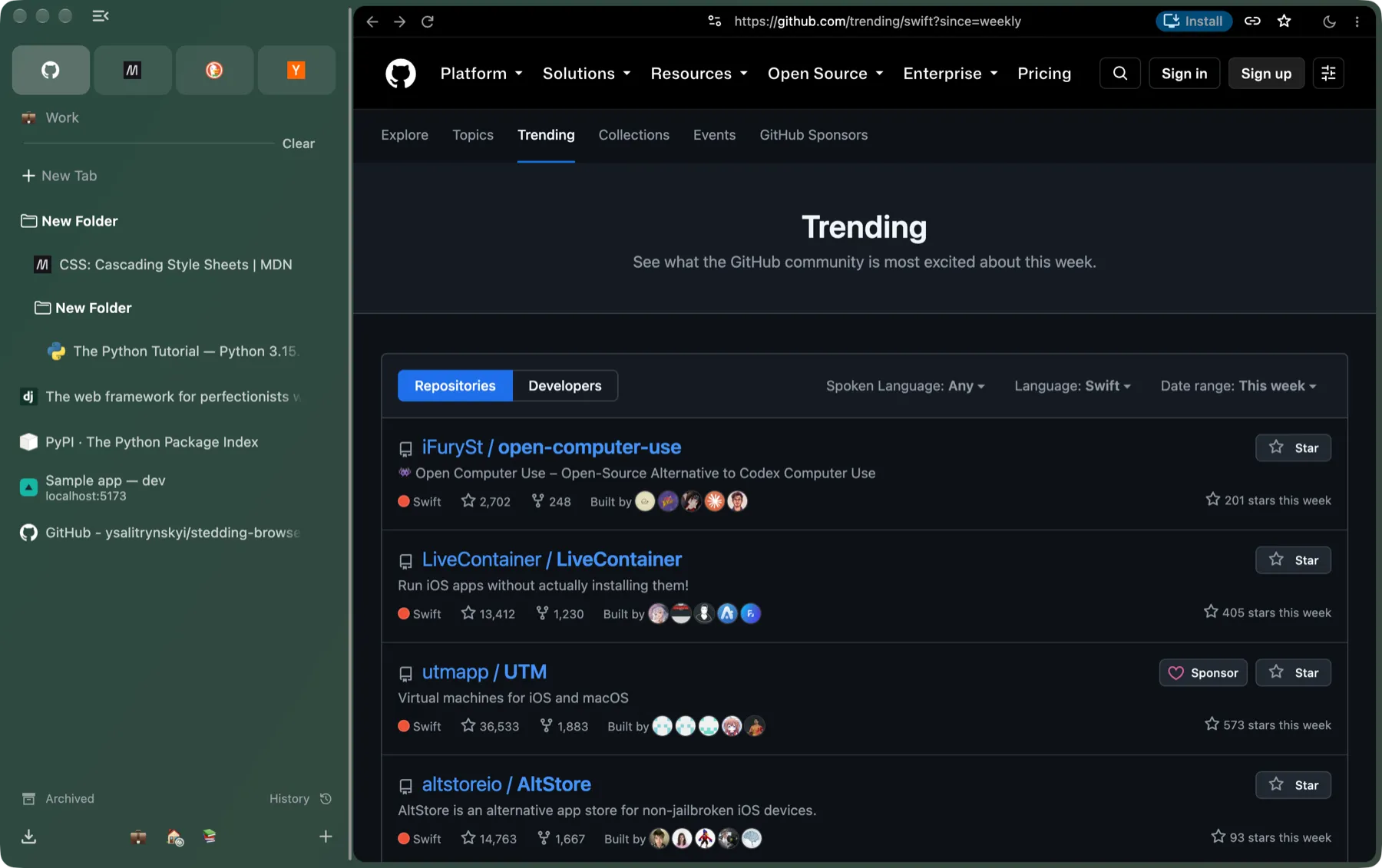
Stedding is a free, open-source browser that works the way Arc did: tabs in a sidebar, Spaces, Favorites and pinned tabs. On a Mac it moves your Arc setup over in one step. It runs on Chromium, so your Chrome extensions work, and it asks for no account.
What happens to Arc
The Browser Company has told Arc users that Arc will be sunset on December 22, 2026. This is what its notice says happens, and when.
-
Until December 22
Arc keeps working
With basic updates only. It has had no new features since May 2025, when its makers turned to Dia.
-
Arc is sunset
You can no longer sign in to your Arc account, and Arc accounts are deactivated.
-
Within 30 days
Account data is deleted
Personal data tied to an Arc account is deleted.
Move before December 22, 2026, while your Arc setup is still in place. The move reads Arc’s own files on your Mac, not your Arc account.
What comes over from Arc
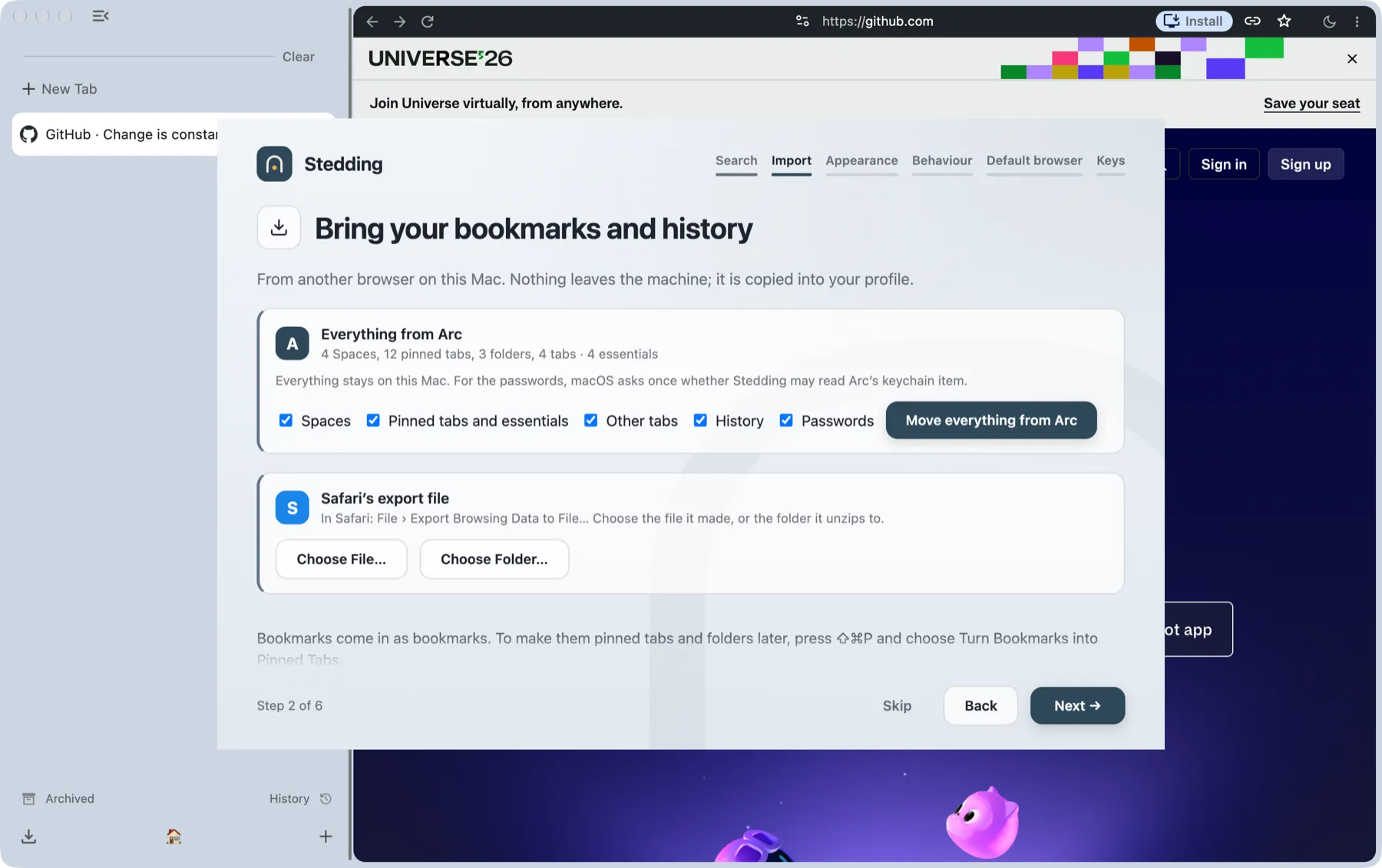
The first start offers Move everything from Arc, on a Mac and on Windows. It reads Arc’s own files on your computer, not your Arc account, and nothing leaves your machine.
- Your Spaces, with their colours and icons
- Your Favorites, as essentials at the top of the sidebar
- Pinned tabs and folders, nested folders included
- Open tabs
- History and saved passwords
Passwords need one macOS keychain prompt. You can run the import again later from Settings; nothing is duplicated.
Move in three steps
-
Download Stedding
The macOS disk image, for Apple silicon. Open it and drag Stedding to Applications.
-
Open it
The welcome flow’s import step shows what it found in Arc: Spaces, pinned tabs, folders and essentials.
-
Move everything from Arc
Choose it, and allow the keychain prompt for your passwords. Skip it now and it waits in Settings.
On Windows, Stedding runs as a preview, and reading Arc’s sidebar is Mac-only for now.
Arc and Stedding, side by side
What each part of Arc is called in Stedding, and how it works there.
| In Arc | In Stedding |
|---|---|
| Spaces | Spaces Each with its own colour and icon. Switch with the chips at the bottom of the sidebar, or swipe across it on a Mac. |
| Favorites | Essentials Cards at the top of the sidebar. |
| Pinned tabs | Pinned tabs They remember their page: wander away and a slash shows it; Command W sends the tab back home. |
| Folders | Folders Folders inside folders included; drag one into another. |
| Command bar | Command bar Command T opens it: a URL, a search, or any open or archived tab in any Space. |
| Split view | Split view Drag a tab onto the page; the half it will take lights up. |
| Little Arc | Little windows A link from another app opens small, and Command O (Ctrl+O on Windows) moves it into your window. |
| Air Traffic Control | Sites routed to a Space A site can always open in the Space you choose. |
| Auto-archive | The archive For idle tabs, off until you turn it on. |
| Hidden sidebar | Folding sidebar Command S collapses the sidebar to a column of icons, or hides it completely. |
Not in Stedding yet
- Boosts
- Easels
- Peek
- Sync
- Mobile apps
- Netflix and Spotify playback (no Widevine yet)
There is no AI in the browser, by design. An extension can add one.
Stedding or Dia?
Dia is The Browser Company’s next browser, and it imports Arc too. The difference is what it is built around, what becomes of your Spaces, and who holds the code.
Dia
- Built around
- Chatting with an AI about your tabs
- Your Spaces after the move
- Brought over as profiles, according to The Browser Company
- Source code
- Closed
Stedding
- Built around
- Arc’s sidebar, Spaces and pinned tabs; no AI in the browser, by design
- Your Spaces after the move
- Kept as Spaces in one profile, the way Arc had them; a Space can still keep its own sign-ins
- Source code
- Open, under the BSD-3-Clause licence, on GitHub
Because Stedding is open source, no company decision can take it away: the code is on GitHub, and every release is built from it.
Questions
When does Arc stop working?
The Browser Company says Arc keeps working, with basic updates, until December 22, 2026. After that you can no longer sign in to your Arc account, Arc accounts are deactivated, and personal data tied to an Arc account is deleted within 30 days.
Can I bring my Arc setup to Stedding?
Yes, on a Mac and on Windows. On first start, Move everything from Arc brings over your Spaces with their colours and icons, your Favorites as essentials, pinned tabs, folders, open tabs, history and saved passwords. You can run it again later from Settings; nothing is duplicated.
Do I need my Arc account to move?
No. Stedding reads Arc’s own files on your Mac, not your account, and nothing leaves your machine. Passwords need one macOS keychain prompt. Move before December 22, while your Arc setup is still in place.
Does Stedding run on Windows?
Yes, as a preview: the Windows installer is not code-signed yet. Reading Arc’s sidebar is Mac-only for now.
Is it free?
Yes. Stedding is free and open source (BSD-3-Clause), with no account, no subscription and no telemetry.
Do my Chrome extensions work?
Yes. Stedding is built on Chromium, so extensions install from the Chrome Web Store as usual.
More in the main FAQ, and every keyboard shortcut is in the shortcuts list.
Move before December 22, 2026
Free and open source, with no account. macOS 13 or later on Apple silicon; Windows 10 or 11 as a preview.